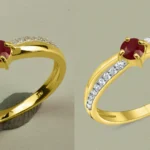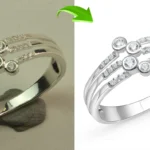
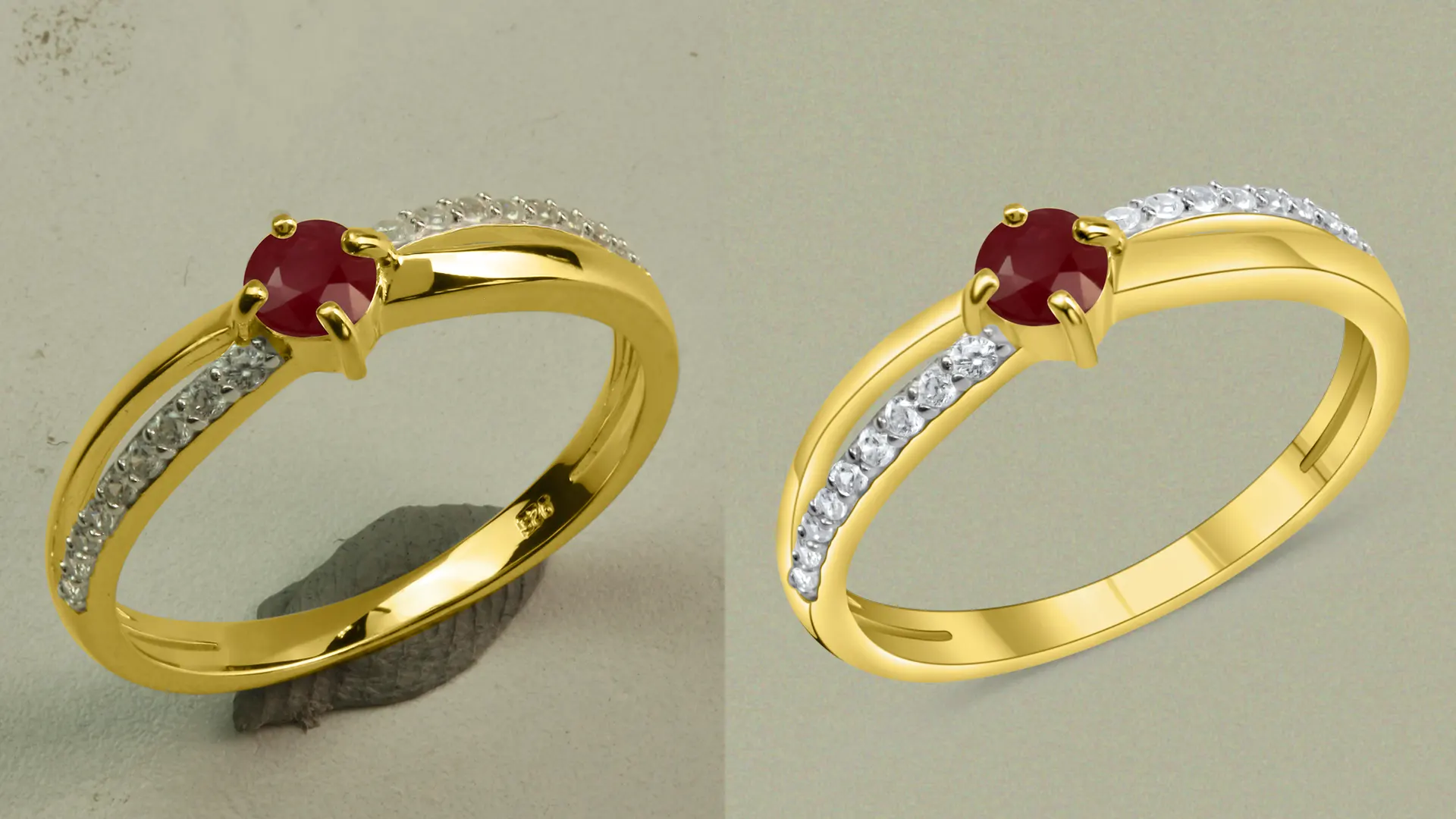
Professional jewelry image editing makes jewelry look clear and real. A bad one makes it look fake, and customers notice the moment the package arrives. Jewelry photo editing services clean up a photo without changing the color, texture, or design of the piece. Heavy sharpening, over-smoothing, and uneven color changes do the opposite. Here, I highlight the most common jewelry photo editing mistakes I see when editing jewelry photos, along with how you can avoid them.
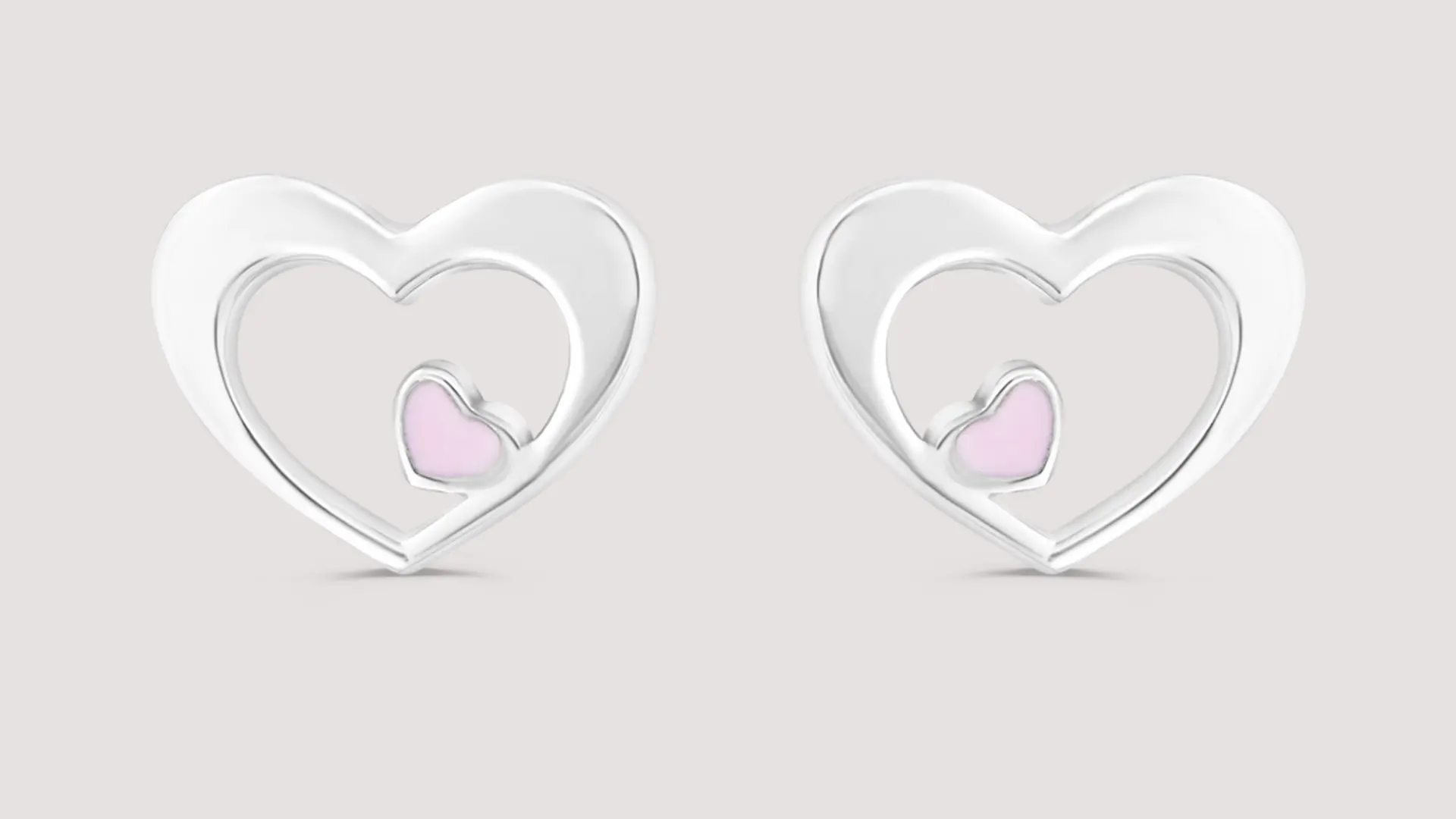
10 Jewelry Photo Editing Mistakes
Over-Retouching Jewelry: Over-retouching can make jewelry look unnatural and remove its original beauty. Avoid excessive sharpening, over-smoothing metals, and making diamonds or gemstones look artificial. Keep the natural texture, shine, and fine details of the jewelry.
Changing Original Color of Jewelry: Incorrect color correction can change the original appearance of gold, silver, platinum, or gemstones. Always maintain the jewelry’s true color so customers can see the product as it looks in real life.
Removing Natural Reflections: Natural reflections help show the shape, finish, and quality of jewelry, especially on shiny metals and gemstones. Removing all reflections or ignoring the metal finish can make the jewelry look flat and unrealistic. Adjust reflections carefully while preserving a natural appearance.
Adding Incorrect Shadows: Shadows that are too dark, too strong, or positioned incorrectly can make jewelry look like it is floating. Add soft, realistic shadows that match the light direction and help the product look naturally placed.
Jewelry Photo Cropping and Framing Errors: Cropping jewelry too tightly is one of the common jewelry photo editing mistakes because it can cut off important details, such as chain ends, earring hooks, or ring edges. Leave enough space around the product and keep it properly aligned within the frame.
Incorrect Contrast and Saturation: Excessive contrast can hide fine details in dark areas or remove highlights from shiny surfaces. Over-saturating gemstones can also change their natural appearance. Adjust contrast and saturation carefully to maintain realistic colors and visible details.
Wrong Background Removal: Poor background removal can leave unwanted edges, white halos, or visible color fringes around jewelry. Use precise selection tools and clean the edges carefully to create a smooth, professional finish.
Inconsistent Edits Across a Collection: If every photo has a slightly different brightness or color, the store looks messy, and customers can’t compare pieces easily. Use the same settings or presets for the whole set.
Using Low-Resolution Images: Low-resolution images can appear blurry and lose important details when enlarged. Always start with a high-quality image and export it at the appropriate resolution and dimensions for the intended eCommerce platform.
Ignoring Dust and Scratches: Dust, fingerprints, and unwanted scratches can make jewelry photos look unprofessional. Professional jewellery photo retouching services help remove these imperfections while preserving the original texture, design, and natural details of the jewelry.
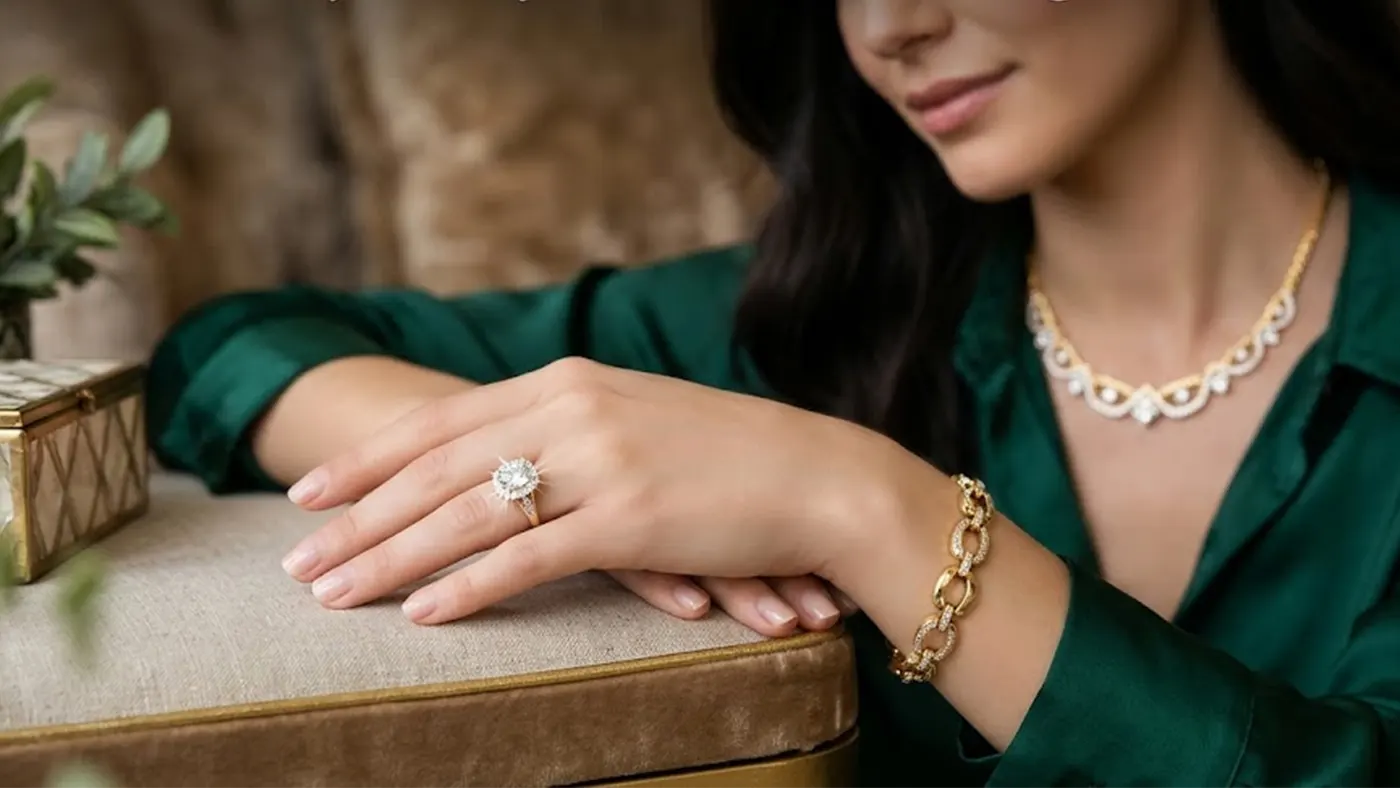
AI Lifestyle Jewelry Photo Retouching Mistakes
AI can turn a plain jewelry photo into a lifestyle image in minutes, but it often gets the details wrong. I’ve seen it drop a prong from a ring and shift yellow gold toward green. With AI photo retouching, we use AI for the fast first draft and fix those errors manually.
AI-Generated Image Design Correction
AI can quietly rebuild parts of a piece. A prong goes missing, a chain link changes shape, or a gemstone shifts a few pixels. Compare the edited image with the original at 100% zoom. If a detail wasn’t in the photo, it shouldn’t be in the final image either.
AI Image Symmetry & Flaw Correction
When AI fixes a scratch or a dust spot, it sometimes bends the shape around it. Earrings and rings are the easiest to spot, so check both sides side by side. Remove flaws gently, and don’t smooth over the maker’s own marks, because those are part of the craftsmanship. This is one reason many sellers hire jewelry photo editing services instead of trusting a one-click tool.
AI-Generated Photo Color Correction
AI-generated backgrounds and lifestyle scenes often shift the color of the metal. Gold picks up the tint of the scene, and silver turns warm or blue. Fix the white balance and brightness, then compare the metal with your original photo. Good jewellery photo editing services match color to the real piece, not to the mood of the image.
AI Image Texture Correction
Over-smoothing is the classic AI mistake. Metal loses its grain, engravings blur, and stones start to look like plastic. Keep the facets, fine engravings, and natural reflections visible. If the surface looks too perfect, it probably is. Reliable jewellery photo retouching services treat AI as a first pass and finish the details by hand.
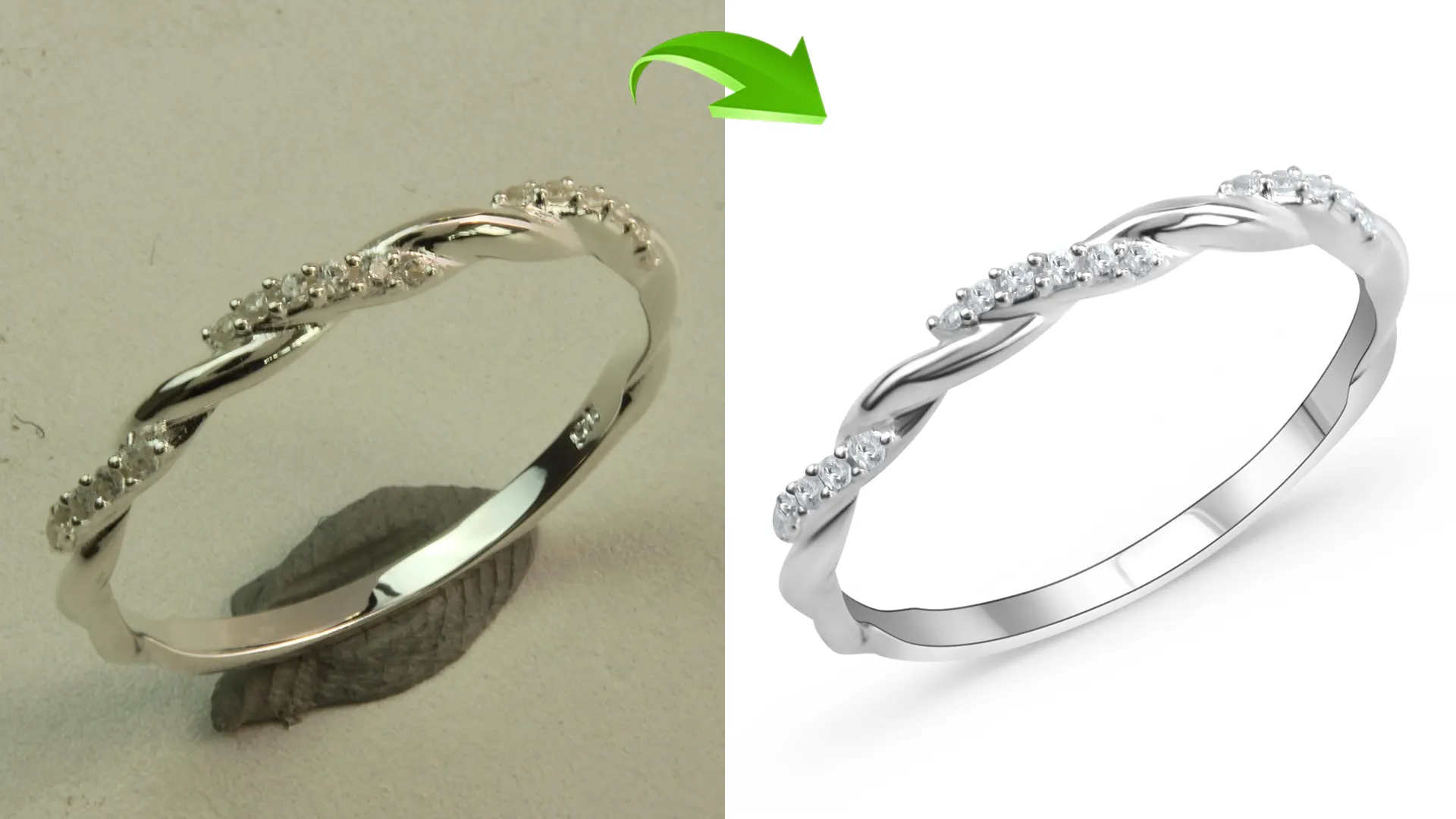
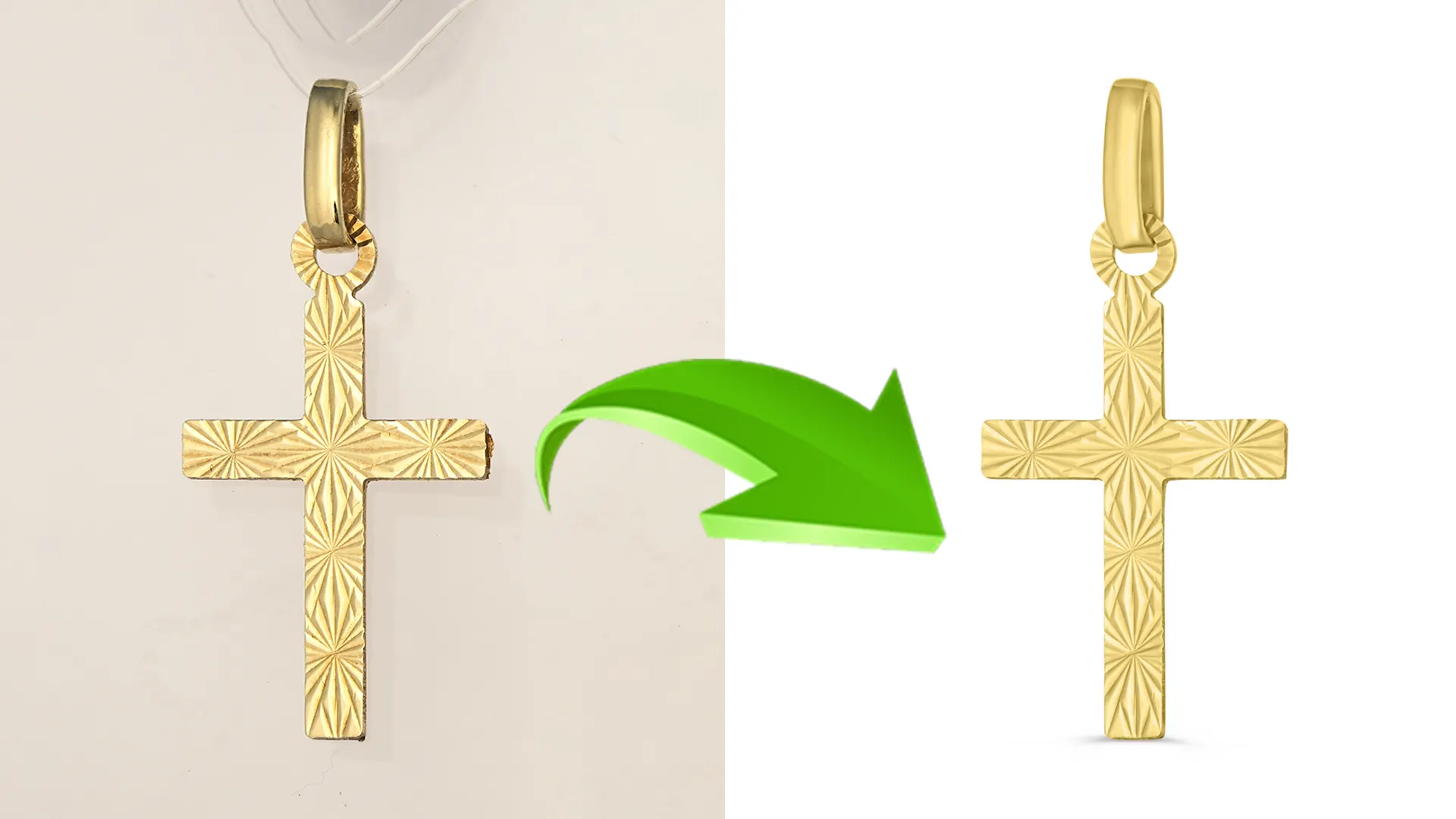
Jewelry Photo Editing Mistakes: Before and After
Side-by-side comparisons make mistakes easy to spot. Here are five to look for in your own edits.
Texture: Over-smoothed metal looks like plastic. Natural texture shows grain, polish, and tiny details.
Gold color: Gold pushed too orange or too yellow looks cheap. The right shade matches the real piece.
Gemstone shine: Fake sparkle flattens stones. Balanced highlights keep the color and facets visible.
Background: Patchy, uneven white distracts from the jewelry. A clean, even background keeps the focus on the piece.
Reflections: Remove only the distracting ones, such as your camera or lamp. The natural highlights that show shape and polish should stay.
Best Practices for Professional Jewelry Retouching
Follow a simple editing process to avoid common jewelry photo editing mistakes. Focus on keeping the jewelry natural, clean, and realistic.
Start With a High-Quality Image: Use a sharp, well-lit photo with good resolution to capture fine jewelry details.
Clean the Background: Remove unwanted objects, dust spots, and distractions to create a clean image.
Remove Dust, Scratches, and Fingerprints: Fix small imperfections while preserving the jewelry’s original texture and design.
Keep Colors Accurate: Gold, silver, platinum, and gemstones should look like the real thing. Export in the sRGB color profile to help maintain consistent colors across devices.
Add Shine Carefully: Improve the metal’s polish and the stone’s brilliance without making them look fake.
Correct Lighting and Reflections: Adjust exposure, highlights, and shadows while reducing distracting reflections.
Preserve the Original Design: Keep the jewelry’s shape, proportions, gemstone placement, branding, and fine details unchanged.
Create Realistic Shadows: Add natural contact shadows when needed to make the jewelry look properly placed on the background.
Use Non-Destructive Editing: Use Photoshop adjustment layers, layer masks, and Smart Objects to edit without damaging the original image.
Check Details at 100% Zoom: Inspect edges, gemstones, and metal surfaces for missed imperfections before exporting.
Image Size and Format: Each platform has its own requirements, so export with the destination in mind. Use JPEG for most product photos and PNG when transparency is needed and supported. You need to follow different jewelry photo editing guidelines for different platforms.
- Shopify: 2048 × 2048 px square images work well, and each file should stay under Shopify’s 20 MB limit.
- Amazon: Around 1600 × 1600 px is a practical target. The main image needs a pure white background and has to meet the rules for your product category.
- Etsy: Use images at least 2000 × 2000 px. Avoid transparent PNGs, since transparent areas can show up black.
Conclusion
Avoiding common jewelry photo editing mistakes helps keep product images clean, realistic, and professional. Always preserve the jewelry’s original color, natural shine, and fine details while removing unwanted imperfections. Follow the same workflow for every image and check each one at full zoom before you publish. Your photos will look cleaner, and customers will get exactly what they saw.
Frequently Asked Questions
What Are the Most Common Jewelry Photo Editing Mistakes?
Over-retouching, wrong colors, and rough background removal come up most often. Most of them come from pushing an edit too far, so small, careful changes usually fix the problem.
How Do I Make Jewelry Photos Look Natural After Editing?
Keep the highlights and shadows that were already in the photo, and make small changes. Toggle the edit on and off to compare. If you can tell it’s been edited, pull it back.
How Do I Retouch Gold and Silver Without Losing Detail?
Work on a separate layer and use a layer mask, so you only change the areas that need it. Fix the color first, then clean up dust and scratches, and leave the metal’s grain and polish alone.
Why Do Diamonds Look Fake After Editing?
Usually it’s too much brightness and contrast combined with added sparkle effects. Real diamonds have both bright and dark facets, so if every facet glows, the stone looks like glass. Brighten only the facets that already catch light.
Which Software Is Best for Jewelry Photo Retouching?
Photoshop is the most popular choice for detailed work because it gives you layers, masks, and precise control over color and reflections. Lightroom is handy for adjusting whole batches.
How Do I Keep Jewelry Images Consistent Across a Store?
Use the same background, lighting, crop, and export settings for every image. Saving your edits as a preset helps a lot when you have many products.
Should I Retouch Jewelry Photos Myself or Hire a Professional?
Do basic edits yourself if you have a few products and the time. If you have a large catalog or pieces with a lot of fine detail, like pavé stones and thin chains, hiring a professional saves time and gives more consistent results.