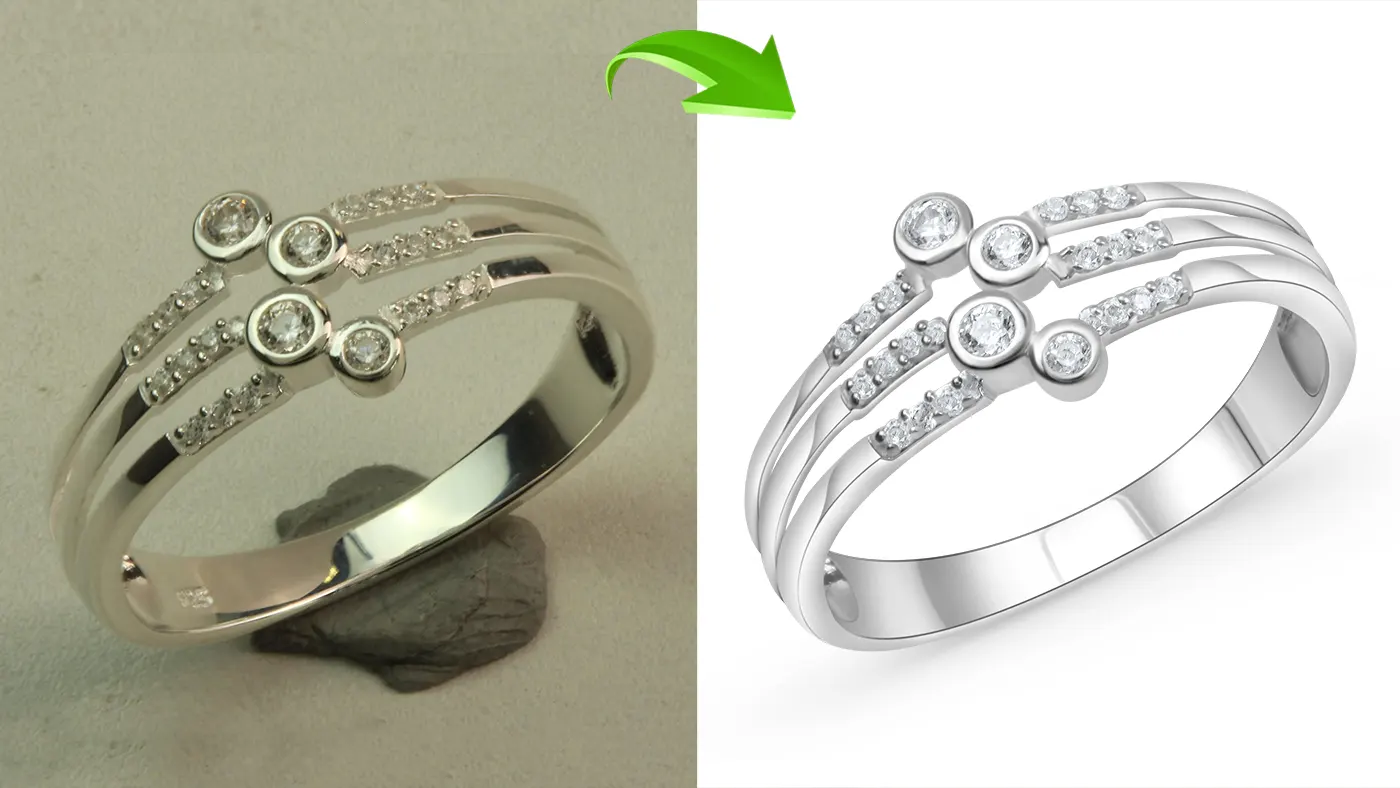
Online shoppers often choose jewelry based on its design, color, and quality when shopping on platforms like Shopify, Amazon, and Etsy. If the gold looks dull, the stone looks flat, or the background is messy, most people simply move on to the next listing.
Professional jewelry photo retouching fixes that. It brings out the sparkle of gemstones and the texture of metal, removes dust and stray reflections, and keeps the color true to the real piece. That’s what makes a customer feel confident enough to buy.
Each platform also has its own rules. Amazon wants a pure white background, Etsy lets you show more personality, and Shopify gives you freedom as long as the store looks consistent. Therefore, it is important to understand jewelry photo editing guide to optimize product images effectively for these e-commerce platforms.
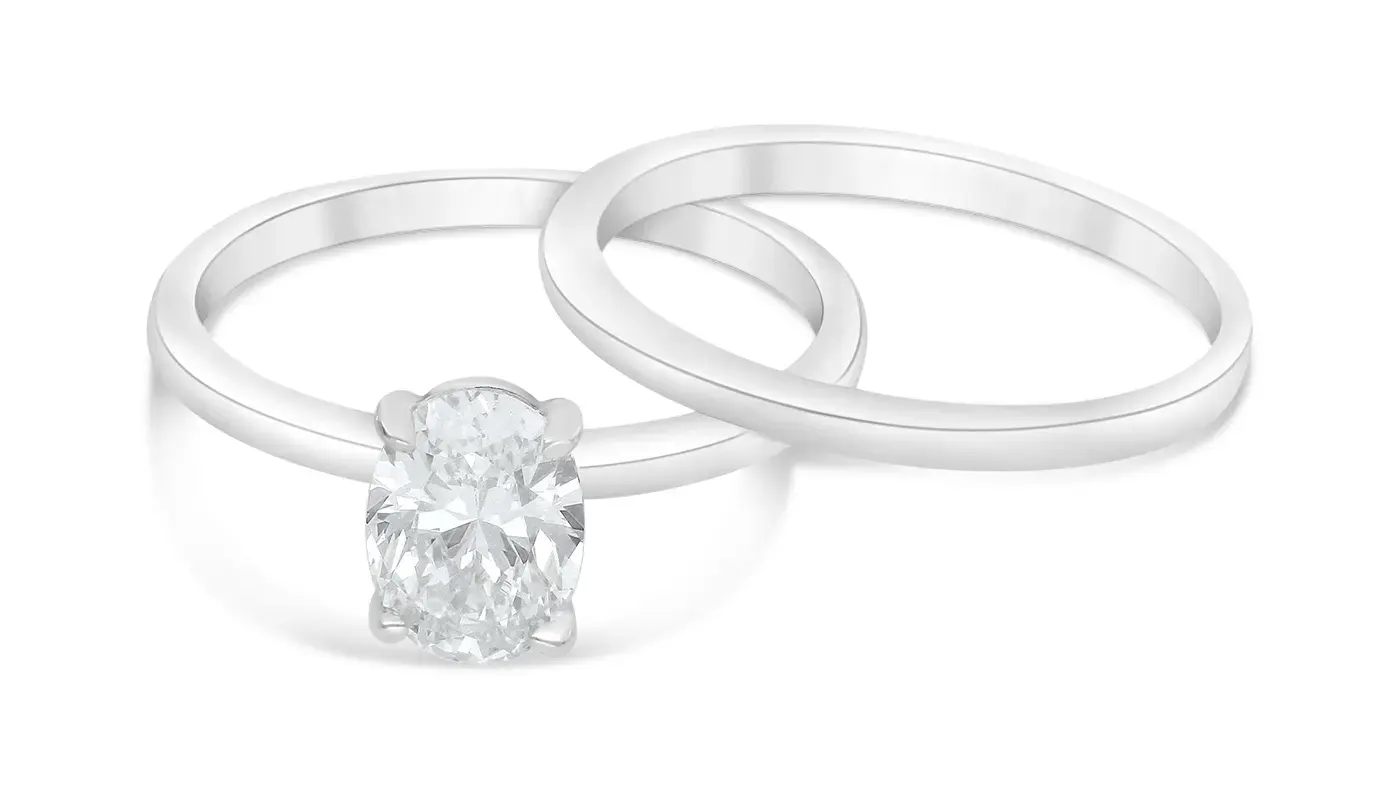
Why Professional Jewelry Photo Editing Matters
It builds trust: when the color, finish, and design in the photo match the real product, customers know what they’re getting. That also means fewer returns caused by “it looked different online.”
Enhances Sparkle and Brilliance: Editing helps engravings, gemstone facets, and metal textures show clearly, while dust and distracting backgrounds disappear.
It keeps your store consistent: when brightness, color, and framing match across a collection, the store looks professional, and customers can compare pieces easily.
The rule behind all of it: editing should make the photo better, not change the product.
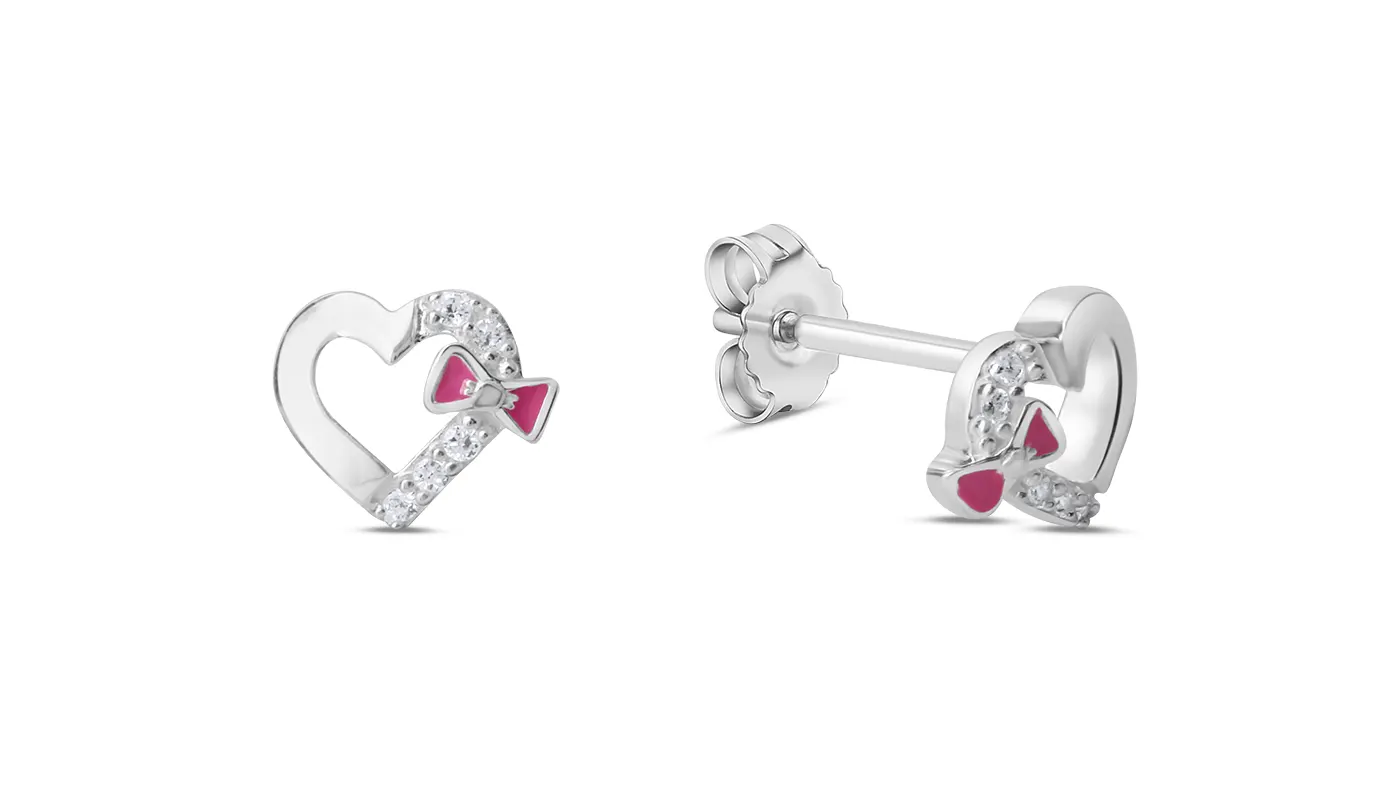
Jewelry Photo Editing Guide for Shopify
Shopify gives you freedom, so your main job is consistency.
Background Editing
A clean white or neutral background is the safe choice. Lifestyle or branded backgrounds also work, as long as every image in the store follows the same style.
Size and Format Correction
A square image around 2048 × 2048 px (1:1) is a good target. It keeps rings, necklaces, earrings, and bracelets sharp.
Jewellery Image File Type
Use JPEG for normal product photos and PNG when you need a transparent background. Compress files to keep the store fast, but check that the image still looks sharp afterwards. Then preview it on both desktop and mobile.
Consistent Jewelry Image
Keep lighting, cropping, and product size the same across a collection. Reusing the same editing settings is the easiest way to do this.
Jewellery Photo Gallery
Besides the main image, add a worn-on-model shot and close-ups of gemstones, clasps, engravings, and settings.
Jewelry Image Optimization
Use descriptive file names (for example, gold-diamond-ring-front.jpg) and short, meaningful alt text. Shopify optimizes image delivery for you, but still check file size and quality before you upload.
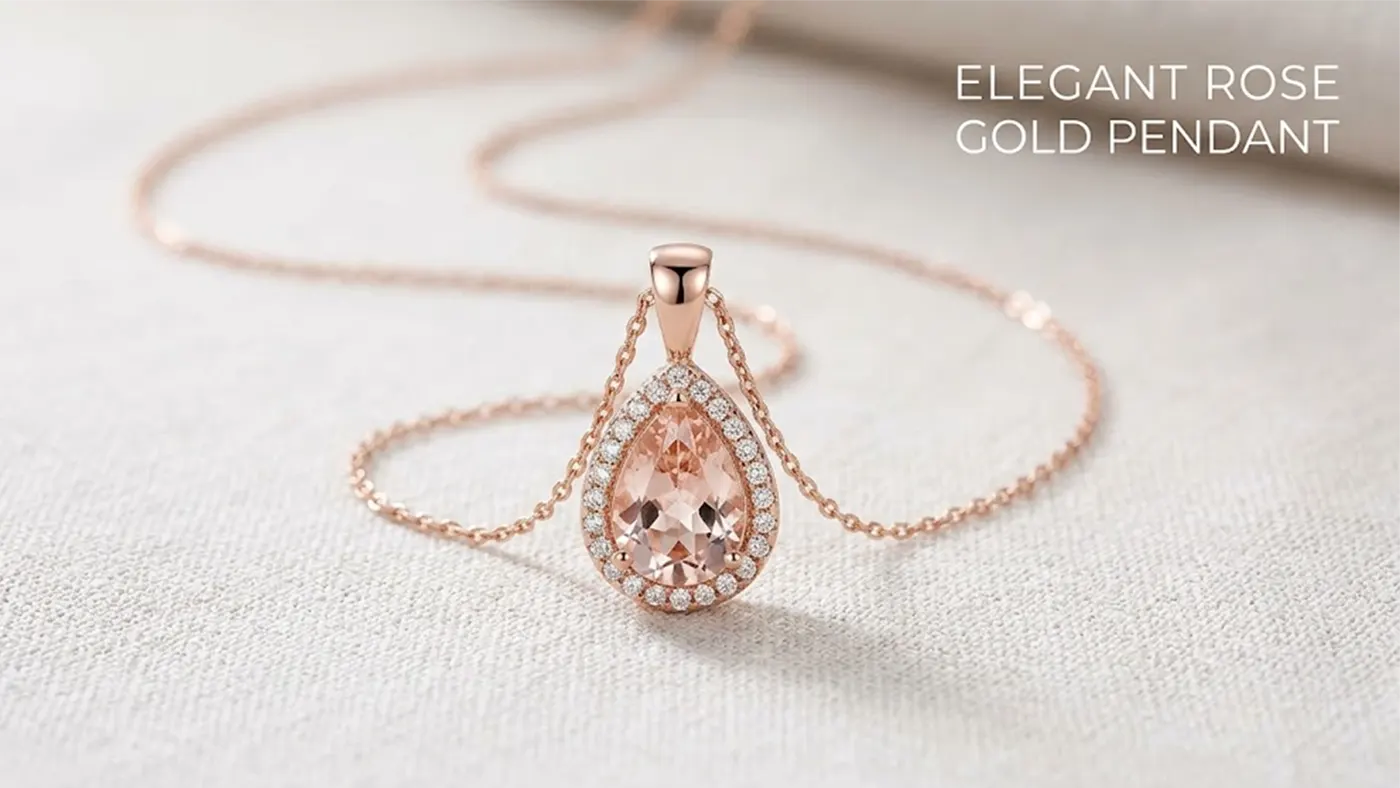
How to Edit Jewelry Photos for Amazon
Amazon is the strictest of the three, so follow its rules first and style second. Follow our Jewelry Photo Editing Guide and check Amazon’s latest image rules before publishing.
Main Image
It normally needs a pure white background with the jewelry clearly visible and well framed. Text, logos, watermarks, and extra graphics are usually not allowed on the main image, but the rules vary by category, so check yours.
Photo Editing Technique
Clean the edges, remove dust and small blemishes, and reduce distracting reflections. Keep the original color, finish, and design. Over-retouching can make the product look different from what arrives.
Details Correction
Use secondary images for other angles, gemstone close-ups, and product details. Infographics showing size or materials are useful here. The rules for secondary images are looser than for the main image, so don’t mix them up.
Image Quality
Amazon’s zoom feature needs images of at least 1,000 px on the longer side. Aiming for 2,000 × 2,000 px gives better results. Avoid heavy compression, which makes images blurry.
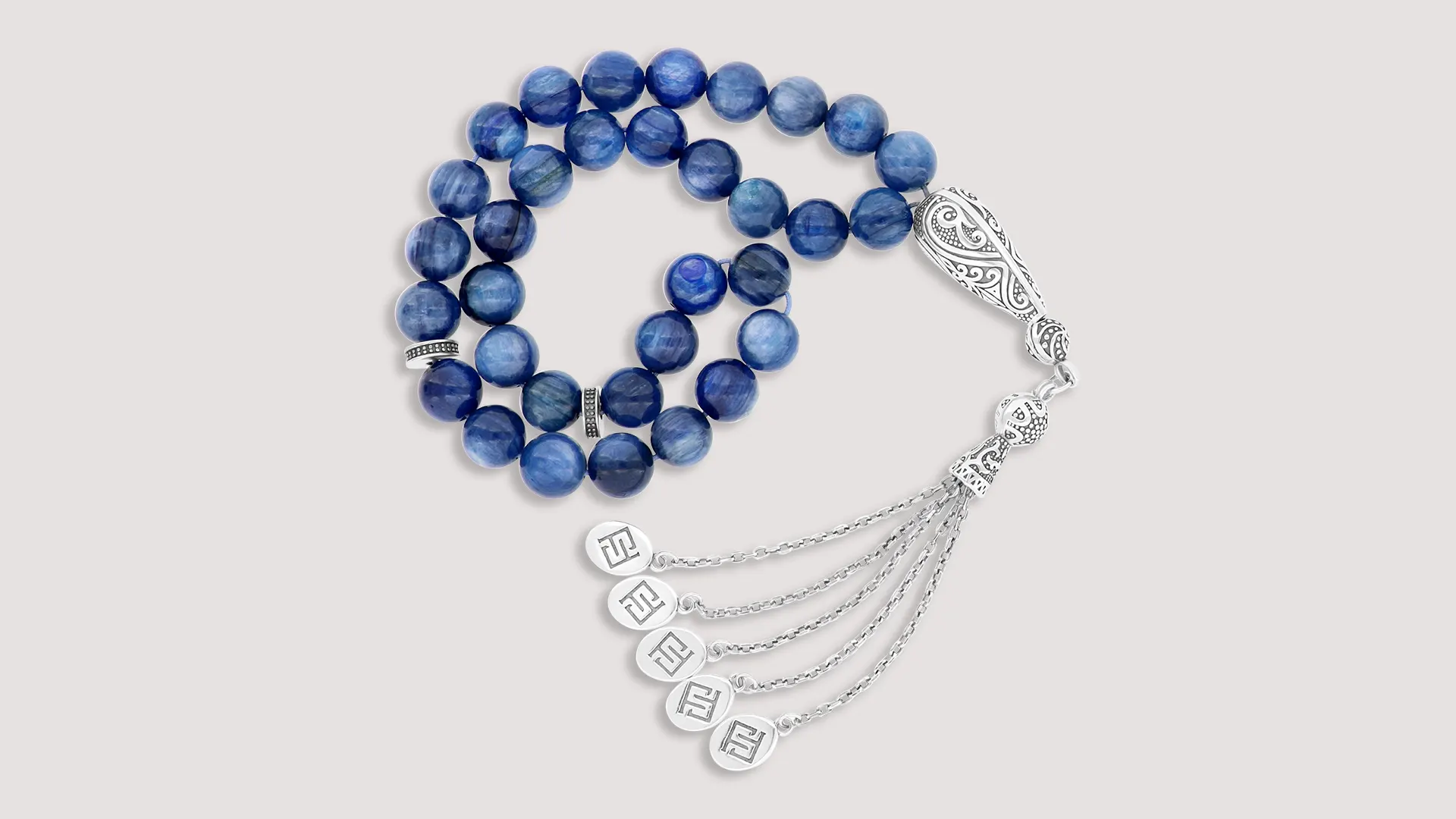
Jewelry Photo Editing for Etsy
Etsy shoppers often buy because of the story and the craft, so the photos should feel personal, not sterile. AI photo retouching can quickly resize, crop, and clean up your images so they fit Etsy’s listing format. Just check the final result by eye before you upload.
Edit Background for Etsy
White or neutral works. Fabric, wood, or stone textures can suit handmade pieces too, as long as they don’t take attention away from the design.
Retouch Jewelry Photo
Keep the natural color, the real luster, and the handmade details. If you over-retouch, the piece loses what made it special.
Gallery
Include a clear main image, close-ups, and different angles. Worn-on-model shots and packaging photos help buyers understand size and what arrives in the box.
Crop and size
Use images at least 2,000 px wide. Square or landscape crops both work for the main image. Keep the jewelry centered with some space around it so it doesn’t get cut off in the thumbnail. Preview on mobile before you upload.
Branding
Use the same background, lighting, and editing style across the shop. Add descriptive file names and alt text where you can.
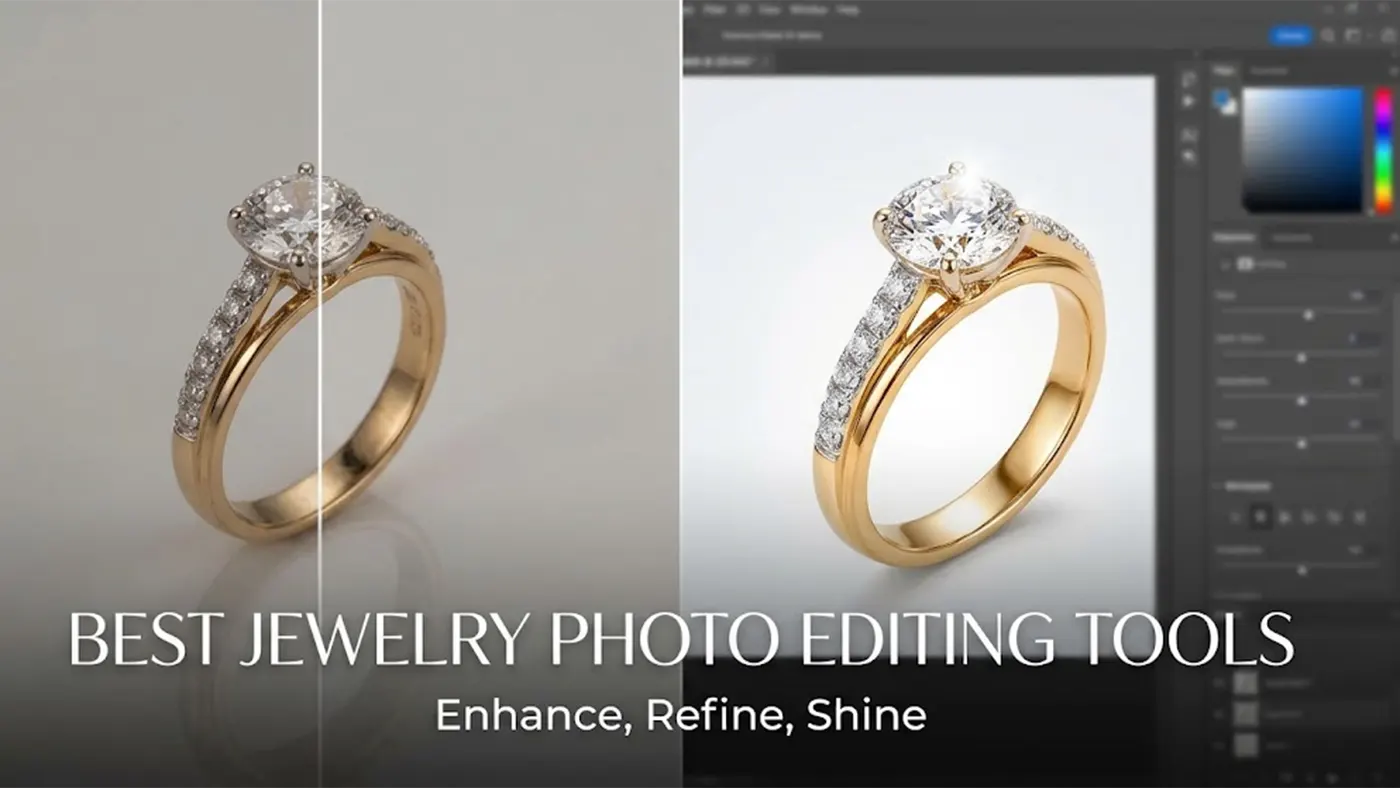
Best Jewelry Photo Editing Tools
Adobe Photoshop: The best choice for precise work such as background removal, dust cleanup, color correction, and detailed edges.
Adobe Lightroom: Great for exposure, white balance, and keeping a whole collection consistent.
Capture One: Popular with product photographers because of tethered shooting and strong color control.
AI background removal tools: AI photo editing tools for batch work, but they often slip on thin chains, prongs, and gemstone edges. Zoom in and check every one before you export.
How to choose: Think about your budget, your skill level, how many images you edit each day, and how much control you need over small details. AI tools handle quick, basic jobs. Photoshop is better when you need professional retouching.
If you have hundreds of pieces and no time to edit them yourself, a professional jewelry photo editing service can handle the cleanup and keep every image consistent. We clean up the background to make our clients’ images look flawless and appealing. Then, we correct and match the colors to preserve the product’s true colors, beauty, and fine details.
Common Jewelry Photo Editing Mistakes
Over-saturation: Too much saturation makes gold look orange, and gemstones look unnatural. You need to follow the Jewelry photo editing guide to keep the colors close to the real product.
Over-sharpening: Excessive sharpening creates bright halos around jewelry edges. Use it carefully to keep details clear and natural.
Fake Sparkle: Too much sparkle makes gemstones look artificial. Enhance their natural shine without changing their original appearance.
Bad Background Removal: Poor editing can cut off thin chains, prongs, and stone edges. Remove the background carefully to preserve every detail.
Wrong White Balance: Incorrect white balance can change the natural color of gold and silver. Adjust it to keep the metal colors accurate.
Over-retouching: Removing all texture and reflections makes jewelry look flat and plastic. Preserve natural details for a realistic finish.
Ignoring Platform Rules: Different platforms have different image requirements. Check the guidelines and ensure jewelry details remain clear in mobile thumbnails.
Conclusion
Good jewelry photo editing helps your products look their best and builds customer trust. Clean the background, fix the color, remove dust, and bring out the detail, but never change how the piece really looks.
Follow each platform’s image rules, start with a simple workflow, and improve it with practice. Soon you’ll be able to turn out clean, consistent images for any marketplace.
Frequently Asked Questions (FAQs)
How Do You Edit Jewelry Photos for Shopify?
Use Photoshop to clean up the background, remove dust, and adjust color and brightness. Then, export the images while maintaining consistent size and quality.
How Do You Prepare Jewelry Images for Amazon?
Keep the background pure white, ensure the jewelry details are clear, and follow Amazon’s current image requirements.
What is the Best Background for Jewelry Product Photography?
White and neutral backgrounds highlight product details effectively. For lifestyle photos, you can use a background that complements the jewelry.
How Do You Make Jewelry Look Shiny in Photoshop?
Enhance the shine of the jewelry using “Dodge and Burn” techniques and selective highlight adjustments. Avoid over-editing to maintain a natural appearance.
How Do You Remove the Background From Jewelry Photos?
Select the jewelry using Photoshop’s “Select Subject” feature or the Pen Tool. Then, use a Layer Mask to remove the background and refine the edges.
What is the Best Software for Jewelry Photo Editing?
Adobe Photoshop is ideal for detailed retouching, while Adobe Lightroom is well-suited for color-correcting multiple images at once.
How Do You Correct Gold and Silver Colors in Jewelry Photos?
Use white balance, curves, and hue/saturation adjustments. Compare your edits against a reference photo to ensure the gold and silver colors remain accurate.
Can AI Tools Edit Jewelry Product Photos Professionally?
Yes, AI tools can quickly handle background removal and basic cleanup. However, manual review is necessary for fine chains, gemstones, and reflective surfaces.
What Image Format Is Best for Jewelry Product Photos?
JPEG is suitable for standard product photos. Use PNG if a transparent background is required. Always check the specific format requirements for the platform you are using.
How Can I Keep Jewelry Photos Consistent Across Multiple Listings?
Use consistent lighting, backgrounds, cropping, and color settings. If needed, create reusable editing presets.
How Much Does Professional Jewelry Photo Editing Cost?
The cost depends on the number of images, the complexity of the editing, and the level of retouching required. Simple editing is generally less expensive than detailed retouching of gemstones and metal.
Do Etsy and Amazon Have Different Jewelry Image Requirements?
Yes. Amazon typically requires a pure white background for the main image, whereas Etsy allows for various backgrounds in line with your brand style. Be sure to check the current guidelines for both platforms.